S/00 — IMGPIX TOOLKIT
Every image tool, in one toolkit.
Compress, resize, convert, and refine images in seconds. No queue, no clutter. Just the tools.
S/01 — TOOLS
Nine tools. One subscription.
Compress
Cut file size without visible quality loss.
Resize
Change dimensions to any width and height.
Crop
Frame your image to any ratio.
Rotate
Spin 90°, 180°, 270° or flip.
Convert to JPG
HEIC, RAW, PSD, SVG, PNG, WebP — all to JPG.
Convert from JPG
JPG to PNG, WebP, or AVIF.
Upscale
AIAI super-resolution. Up to 4× in a single pass.
Remove watermark
AIAI inpainting. Logos, text, dates, stamps — erased.
Add watermark
Stamp images with logo, text, or repeating patterns. Batch up to 5.
S/02 — HOW IT WORKS
Three steps. No detours.
Upload, process, download. Files are auto-deleted 24 hours after processing.
Choose a tool
Pick what you need from the toolkit.
Drop your image
Drag, click, or paste. No upload bar required.
Download
Result is ready, original untouched.
S/03 — IN PRACTICE
Made for real images.
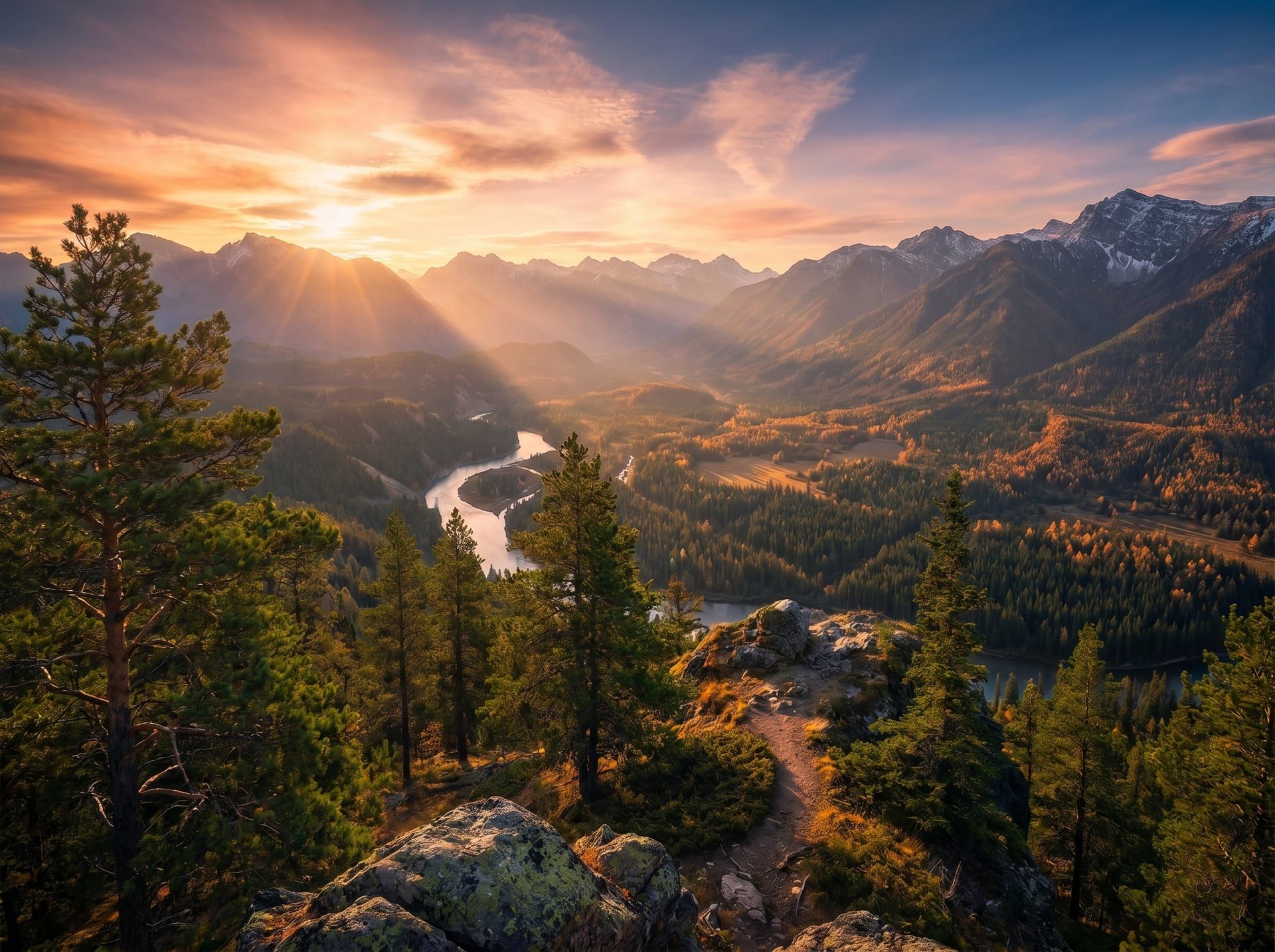
landscape.jpg · 4032×3024
T/01 · Compress
Pixel-perfect, kilobyte-light.
Cut file size by up to 90% without visible quality loss. Same image, lighter file.
4.2 MB → 380 KB · 91% saved
Try compress
kitten.jpg · 512×384
T/07 · Upscale AI
More resolution. No artifacts.
Increase image size up to 4× with AI-trained detail recovery. Old photos look new.
512 px → 2048 px · 4× · AI-restored
Try upscaleS/05 — FAQ