T/01 · COMPRESS
Compress images, lighter files.
Reduce file size up to 90% without visible quality loss. JPG, PNG, WebP, AVIF — all formats supported.
Drop images to compress
or drag and drop here
JPG · PNG · WebP · AVIF · up to 50 MB
S/02 — HOW IT WORKS
Three steps. No detours.
Upload, process, download. Files are auto-deleted 24 hours after processing.
Choose a tool
Pick what you need from the toolkit.
Drop your image
Drag, click, or paste. No upload bar required.
Download
Result is ready, original untouched.
S/SPECIMEN — SAME IMAGE, LIGHTER FILE
Your photo, 91% lighter.
Pixel for pixel, the image is identical. The bytes are eleven times smaller. That difference loads in under a second on 3G.
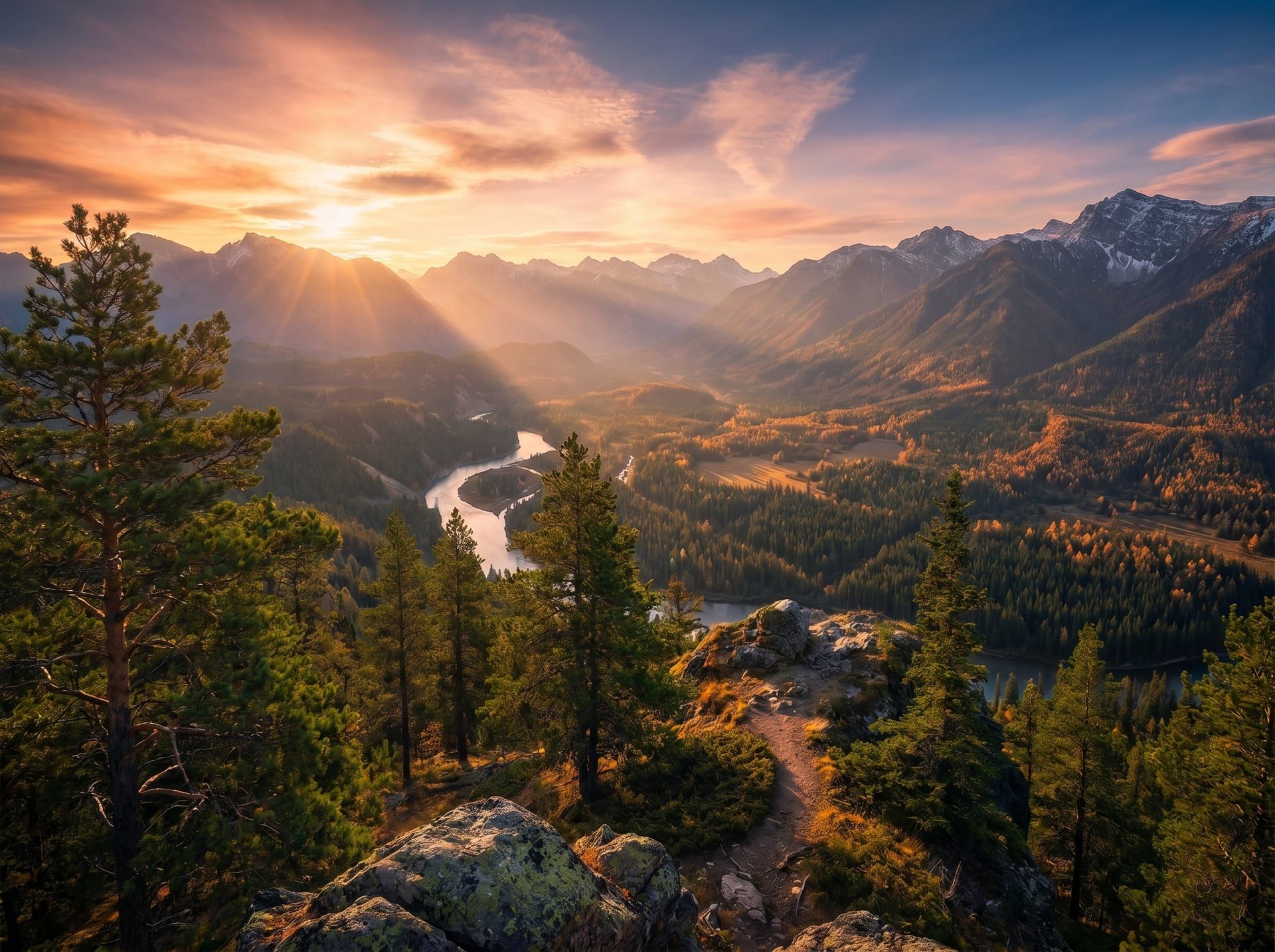
Before 4.2 MB → After 380 KB · 91% saved · SSIM 0.998 · ≤ 0.8s median
S/V — WHY COMPRESS
Compress your images, four angles.
QUALITY
Reduce file size without altering content.
Smart compression algorithms preserve visual fidelity while cutting file size dramatically. The image looks identical, the bytes don't.
WATERFALL · /landing.html
- index.html12 KB64ms
- main.css8 KB88ms
- app.js24 KB124ms
- hero.jpg380 KB312ms
- tile-1.jpg84 KB184ms
- tile-2.jpg112 KB218ms
- tile-3.jpg96 KB196ms
LCP −74% · ↓ 3.4s · total page 712 KB
PERFORMANCE
Faster page loads on sites and platforms.
Lighter images mean faster loading times, better Core Web Vitals scores, and a smoother experience for visitors.
−558 MB
↓ FREED
STORAGE
Save space on your device or cloud.
Free up gigabytes by compressing your photo library in bulk. Same images, a fraction of the storage.
- DSC_0142.jpg✓ 380 KB
- DSC_0143.jpg✓ 342 KB
- DSC_0144.jpg✓ 192 KB
- DSC_0145.jpg✓ 398 KB
- DSC_0146.jpg✓ 282 KB
- DSC_0147.jpg✓ 324 KB
- DSC_0148.jpg✓ 258 KB
- DSC_0149.jpg✓ 290 KB
- DSC_0150.jpg─ 2.4 MB
- DSC_0151.jpg─ 3.1 MB
- DSC_0152.jpg⏸ queued
- DSC_0153.jpg⏸ queued
TOTAL 47.3 MB → 4.1 MB· 91% saved · ETA 2s
BATCH
Compress multiple images at once.
Drop dozens or hundreds of files. Get compressed copies in seconds, ready to download as a ZIP.
- FORMATS
- JPG / PNG / WebP / AVIF / HEIC
- MAX SIZE
- 50 MB per file
- BATCH
- Up to 20 files per upload
- ENCODING
- MozJPEG (JPEG output)
- EXIF
- Stripped on output (privacy)
- RETENTION
- Auto-deleted after 24h
S/F — FAQ