T/03 · CROP
Crop images, frame any subject.
Trim the edges, focus on what matters. Lock to common ratios or crop freeform with pixel-precise control.
Drop an image to crop
or drag and drop here
JPG · PNG · WebP · AVIF · up to 50 MB
S/02 — HOW IT WORKS
Three steps. No detours.
Upload, process, download. Files are auto-deleted 24 hours after processing.
Choose a tool
Pick what you need from the toolkit.
Drop your image
Drag, click, or paste. No upload bar required.
Download
Result is ready, original untouched.
S/SPECIMEN — FRAME, EXACT
Frame what matters. Discard the rest.
Pixel-precise selection with six aspect presets or freeform. The selection stays sharp; the discarded edges are gone — no resampling.
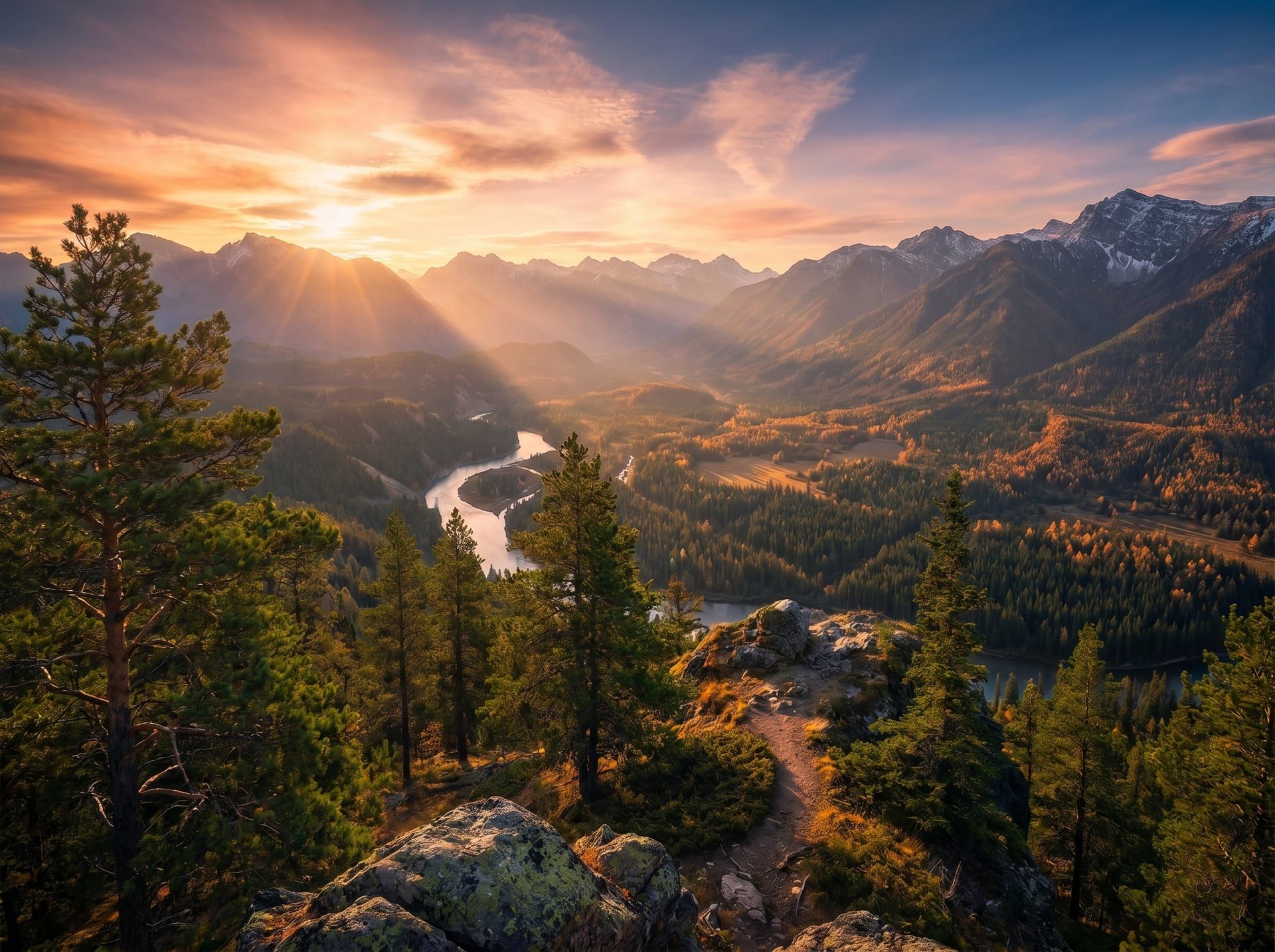
4032 × 3024 → 1920 × 1920 · 1 : 1 · region (642, 320) → (2562, 2240) · lossless
S/V — WHY CROP
Crop your images, four angles.
CROP REGION
642
X
320
Y
1920
W
1920
H
1:1 ratio · 1920 × 1920
of 4032 × 3024 source
POSITION
FRAME
Frame any subject with precision.
Drag the corners or enter exact coordinates. Center your subject, remove dead space, recompose the shot.
1:1
Square
4:5
Portrait
16:9
Wide
9:16
Story
3:2
DSLR
FREE
Freeform
SELECTED
3:2 · DSLR landscape · 1.5 ratio
RATIOS
Match aspect ratios for any platform.
1:1 for Instagram, 16:9 for video thumbnails, 4:5 for portrait posts, 9:16 for stories. Common ratios are one click away.
Edges trimmed · subject preserved
CLEANUP
Remove distractions from the edges.
Stray elements at the border? Crop them out. The rule of thirds, golden ratio, or any composition you prefer.
LOCKED
1920
W
1920
H
ratio: 1:1
bound proportional
Drag a corner →
both axes follow
FREEFORM
1920
W
1080
H
ratio: free
independent axes
Drag any side →
one axis at a time
Switch modes anytime · Aspect lock by default
CONTROL
Lock proportions or crop freeform.
Toggle the aspect lock for proportional crops, or unlock for freeform precision. Both with pixel-level accuracy.
S/RATIOS — ASPECT PRESETS
Six presets. One scissor.
Every ratio with a use case and a visual proportion. Pick a preset or stay freeform.
1:1
Square (Instagram post)
4:5
Portrait (Instagram portrait)
3:2
DSLR landscape
16:9
Widescreen video
9:16
Mobile story
FREE
No constraint
- FORMATS
- JPG / PNG / WebP / AVIF / HEIC / TIFF / BMP
- REGION
- Pixel-precise, down to 1 PX
- PRESETS
- 6 ratios + freeform
- GRID
- Rule of thirds overlay
- LOSSLESS
- Source pixels preserved (no resampling)
- RETENTION
- Auto-deleted after 24h
S/F — FAQ