T/02 · RESIZE
Resize images, exact dimensions.
Set any width and height in pixels, percentage, or aspect ratio. Lock proportions or freeform — your call.
Drop images to resize
or drag and drop here
JPG · PNG · WebP · AVIF · up to 50 MB
S/02 — HOW IT WORKS
Three steps. No detours.
Upload, process, download. Files are auto-deleted 24 hours after processing.
Choose a tool
Pick what you need from the toolkit.
Drop your image
Drag, click, or paste. No upload bar required.
Download
Result is ready, original untouched.
S/SPECIMEN — DIMENSIONS, EXACT
Set the dimensions. Keep the picture.
Pixels, percent, or aspect ratio. Aspect lock by default. Lanczos3 resampling — sharp at any scale.
4032 PX
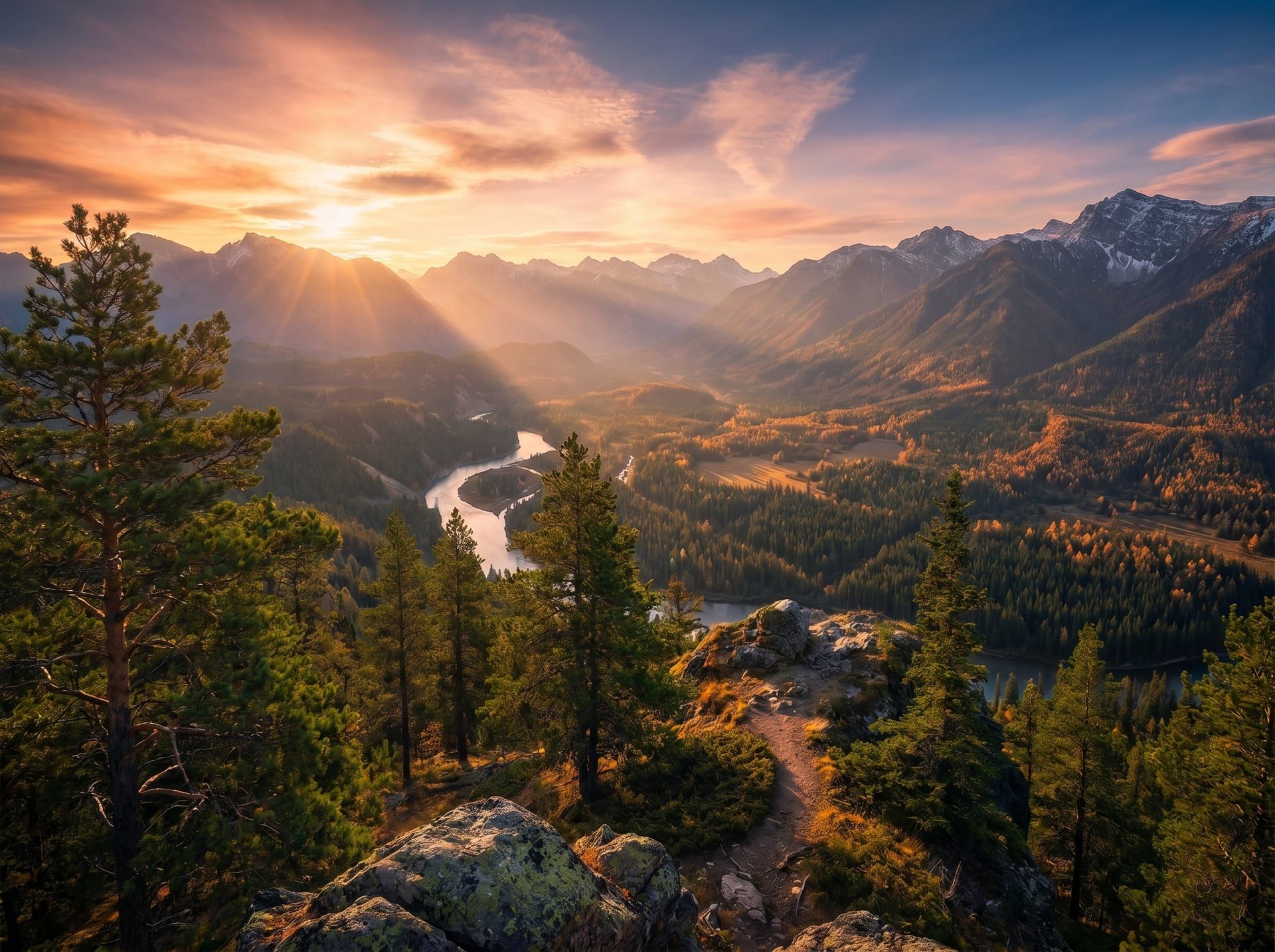
4032 × 3024 · source · 1:1
SCALE OPERATION
× 0.476
Lanczos3 · 4:3 preserved
1920 PX
1920 × 1440 · output · 0.476×
4032 × 3024 → 1920 × 1440 · scale 0.476× · ratio 4:3 preserved · Lanczos3 · ≤ 0.6s median
S/V — WHY RESIZE
Resize your images, four angles.
DIMENSIONS
1920
W
1080
H
PREVIEW
4032 × 3024 → 1920 × 1080
scale 0.476× · 16:9 (forced)
PRECISION
Resize to the ideal size in pixels.
Set exact dimensions in pixels or percent. Lock the aspect ratio or freeform — total control over the output.
Square
1080×1080
Header
1500×500
Pin
1000×1500
Banner
1584×396
Thumb
YouTube
1280×720
OG Image
Web
1200×630
SELECTED
Twitter Header · 1500 × 500 · 3:1
PLATFORMS
Adapt your images to any platform.
Instagram squares, Twitter banners, app icons, OG images. Match any platform's requirements in one click.
DIMENSIONS
FILE SIZE
COMBINED EFFECT
−53% pixels · −91% bytes
OPTIMIZE
Lighten the file while resizing.
Combine resize with smart compression. Smaller dimensions plus optimized bytes give you the lightest possible result.
PHONE
320 PX
TABLET
768 PX
DESKTOP
1440 PX
Browser-based · Drag, drop, resize · No install
ANYWHERE
Resize from any device.
Drag and drop from your phone, tablet, or desktop. Nothing to install, anywhere.
S/CHEATSHEET — POPULAR DIMENSIONS
Popular dimensions, ready to use.
Skip the math. Here's the complete reference.
- Square post1080 × 10801:1
- Portrait post1080 × 13504:5
- Landscape post1080 × 5661.91:1
- Story / Reel1080 × 19209:16
TWITTER / X
- Header1500 × 5003:1
- In-feed image1600 × 90016:9
- Profile banner1584 × 3964:1
- Post image1200 × 6271.91:1
- Cover photo1640 × 8591.91:1
- Post image1200 × 6301.91:1
YOUTUBE
- Channel art2048 × 115216:9
- Thumbnail1280 × 72016:9
WEB
- OG image1200 × 6301.91:1
- Apple touch icon180 × 1801:1
- Favicon32 × 321:1
- FORMATS
- JPG / PNG / WebP / AVIF / HEIC / TIFF / BMP
- MAX AREA
- Up to 25 MP per image
- BATCH
- Up to 20 files per upload
- RESAMPLE
- Lanczos3 (high quality)
- ASPECT
- Lock or freeform
- RETENTION
- Auto-deleted after 24h
S/F — FAQ