T/07 · UPSCALE AI
Upscale images. Synthesize real detail.
Up to 4× with a model trained on billions of real image patches. It doesn't stretch pixels — it reconstructs plausible texture, edges and gradients. Old photos, thumbnails, screenshots — print-ready.
Drop a photo to upscale
or drag and drop here
JPG · PNG · WebP · AVIF · up to 50 MB
S/02 — HOW IT WORKS
Three steps. No detours.
Upload, process, download. Files are auto-deleted 24 hours after processing.
Choose a tool
Pick what you need from the toolkit.
Drop your image
Drag, click, or paste. No upload bar required.
Download
Result is ready, original untouched.
S/SPECIMEN — SYNTHESIZED DETAIL
From 480 px to 1920 px. No paste, no pixelation.
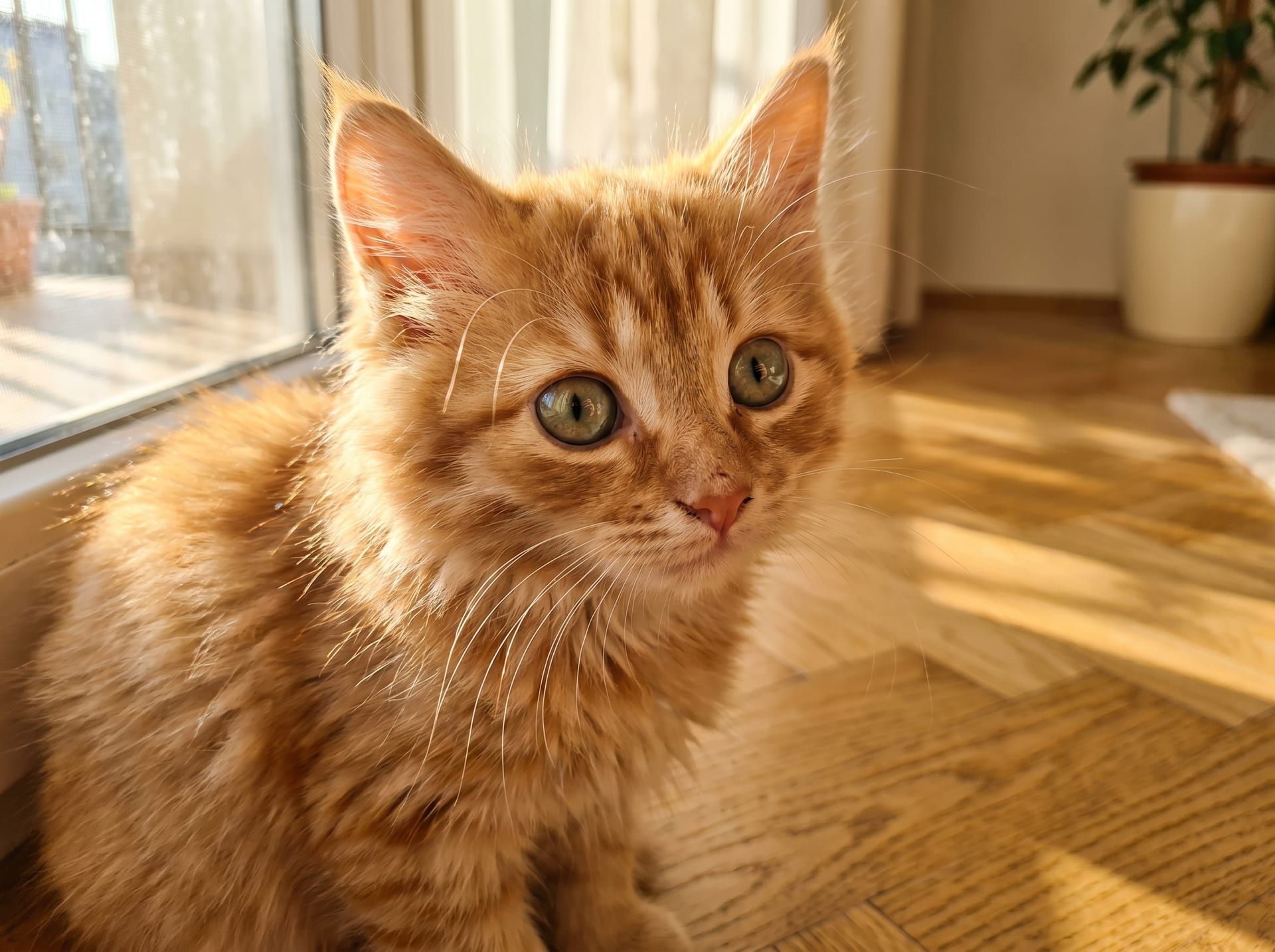
Pixel-level comparison between standard bicubic interpolation and our super-resolution model. The output isn't a stretch of the source — it's detail reconstructed from learned patterns.
INPUT · 86 KB
AI · 4×
OUTPUT · synthesized
480 × 320 → 1920 × 1280 · 4× linear · 153 600 px → 2 457 600 px (16× px) · imgpix-sr-v1
S/V — WHY UPSCALE
Upscale, four angles.
SINGLE PASS
2×
4× px
DEFAULT
4×
16× px
CHAINED
8×
64× px
CHAINED
16×
256× px
4× lineal = 16× píxeles · 1 sola pasada
SCALE
Up to 4× in a single pass.
A 512² photo becomes a 2048² print-ready file; a 1080² thumbnail turns into a 4320² hero. Optional multi-pass to push further without sacrificing quality.
EDGE: smooth
TEXTURE: averaged
DETAIL: lost
EDGE: crisp
TEXTURE: reconstructed
DETAIL: synthesized
Misma región · misma resolución de salida · diferencia a nivel píxel
DETAIL
Synthesized detail, not interpolated.
Bicubic stretches gradients and blurs edges. Our model reconstructs plausible texture, corners and micro-detail from learned patterns. The difference is visible at pixel level.
Escaneos vintage
600 × 400 · grano
2400 × 1600 · texturas recuperadas
Miniaturas web
256 × 256 · fuente única
1024 × 1024 · listo para hero
Stock para print
800 × 600 · web stock
3200 × 2400 · ready-to-print
JPG comprimido
~70% quality · ringing
limpio · sin ringing
Donde un upscaler clásico falla · estructura recuperada
RESCUE
Rescue impossible photos.
Grainy family scans, forgotten web thumbnails, low-res screenshots, over-compressed JPGs. Where a classic upscaler fails, the model finds structure.
imgpix-sr-v1
super-resolution · frozen weights · v1.2.0
- MODEL
- imgpix-sr-v1
- super-resolución · frozen · versionado
- TRAINING
- ~3 B parches
- fotos reales · sin tus uploads
- INFERENCE
- 8–25 s típico
- GPU dedicada · escalado a carga
- MAX INPUT
- 4 096 px lado largo
- JPG · PNG · WebP · AVIF · HEIC · TIFF
- PRIVACY
- Zero retention
- tus imágenes no entran al pipeline
MODEL
Engine spec sheet.
imgpix-sr-v1 model, trained on billions of real image patches. Inference on dedicated GPU, typical latency 8–25 s. Your images never enter the training pipeline.
- SCALE
- 2× · 4× (default) · up to 8× with multi-pass
- MODEL
- imgpix-sr-v1 · super-resolution
- INPUT
- JPG · PNG · WebP · AVIF · HEIC · TIFF
- MAX INPUT
- Up to 4096 px on the long edge
- LATENCY
- 8–25 s typical, depending on size and load
- PRIVACY
- No training on your images
S/F — FAQ