T/09 · ADD WATERMARK
Stamp your photos. Pixel-precise, batch-applied.
Add image and text watermarks with full positioning, rotation, opacity and tiling control. The same set of layers is applied to every photo in the batch.
Drop photos to add a watermark
or drag and drop here
JPG · PNG · WebP · AVIF · up to 50 MB
S/02 — HOW IT WORKS
Three steps. No detours.
Upload, process, download. Files are auto-deleted 24 hours after processing.
Choose a tool
Pick what you need from the toolkit.
Drop your image
Drag, click, or paste. No upload bar required.
Download
Result is ready, original untouched.
S/SPECIMEN — ONE SPEC, MANY PHOTOS
One stamp. Fits every aspect ratio.
Compose a layer stack — image, text, TILE pattern — and apply it to the whole batch in a single pass. Coordinates are relative, so the mark lands on the same visual spot whether the input is landscape, portrait or square.
⊕ S/SPEC · COMPOSITEBATCH × 3
STACK · LAYER ORDER
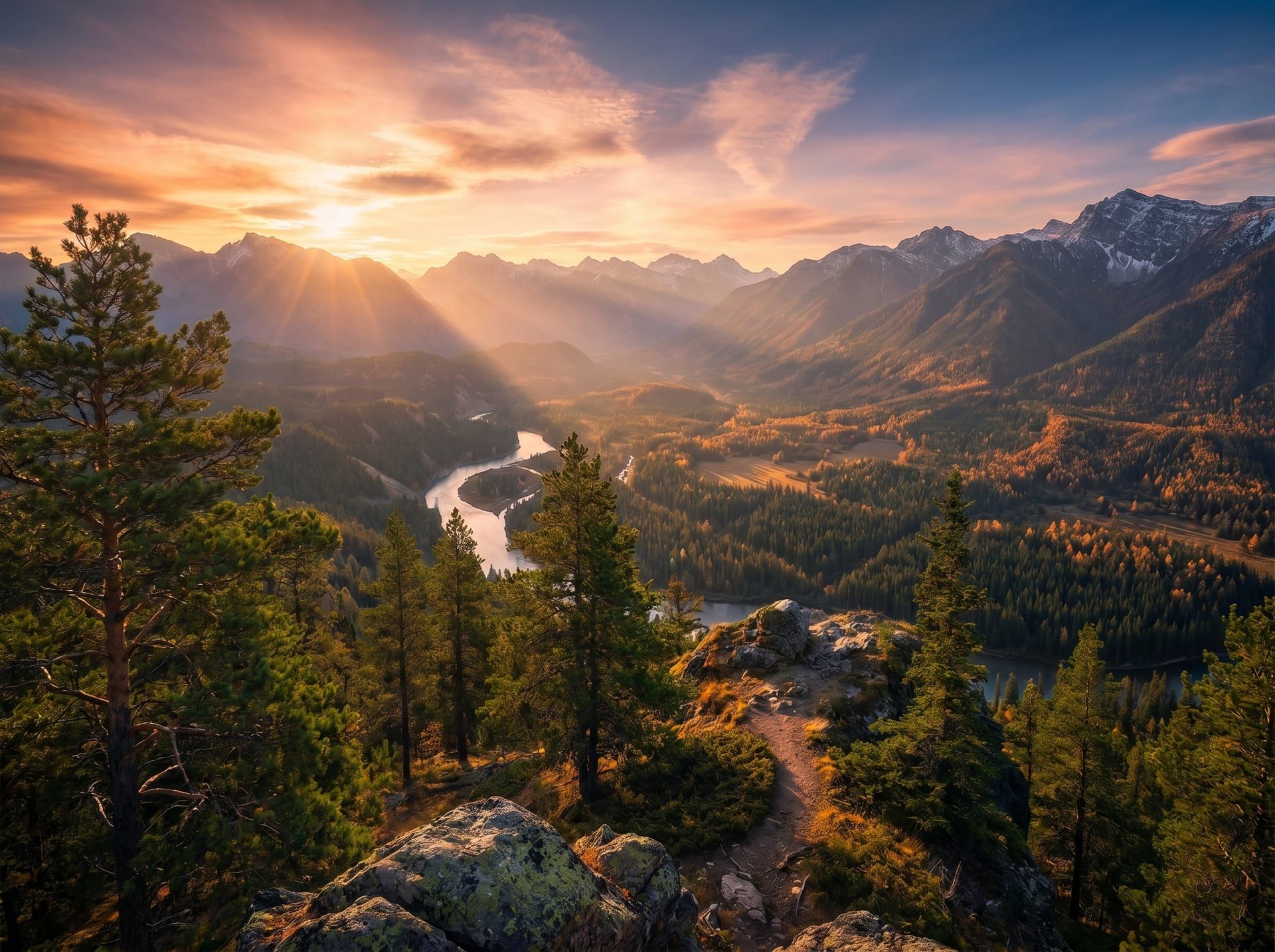 IMGPIX LANDSCAPE · 3:2
4032 × 2688
IMGPIX PORTRAIT · 4:53024 × 3780
IMGPIX SQUARE · 1:13000 × 3000
up to 10 layers per spec · 25 curated Google Fonts · batch up to 5 images · server render with sharp + svg
S/V — WHY STAMP
Watermarking, four angles.
edition · 01
- Z·03FREE
TAGLINE — "edition 01"
Caveat · 5%w · 100% opc
- Z·02TILE
© IMGPIX · 2026
Geist Mono · 700 · 72% opc · −30°
- Z·01FREE
LOGO.PNG
14%w · 92/92 · 100% opc
LAYERS
Image and text, stacked freely.
Drop a logo, type a tagline, set the order. Each layer carries its own position, scale, rotation and opacity — composed on the server with sub-pixel precision.
BEBAS NEUE
PLAYFAIR · 700
CAVEAT
ANTON
LOBSTER
PERMANENT
OSWALD
PACIFICO
SPEC. ELITE
ARCH. BLACK
DANCING
MERRIWEATHER
MONTSERRAT
POPPINS
RALEWAY
JETBRAINS
Same letterforms in preview and output · embedded as woff2 · sub-pixel kerning
BATCH
One stamp, every photo.
The same set of layers applies to every image in the batch. Coordinates are relative to each photo, so portraits and landscapes both get the watermark in the right spot.
MODE · FREE
© IMGPIX
- POS
- 92/92
- OPC
- 100%
- ROT
- 0°
- COUNT
- 1
MODE · TILE
- ANGLE
- −30°
- GAP
- 14%
- OPC
- 72%
- COUNT
- ≈ 32
Toggle TILE on any layer · gap and angle are runtime knobs
TILING
Diagonal patterns when one mark isn't enough.
Toggle TILE on a layer and it repeats across the canvas at the angle you set — the classic copyright stripe, applied in one click.
SPEC
- X
- 92%
- Y
- 92%
- W
- 14%
- ROT
- 0°
Layers
02
anchor → 3710 × 2473
anchor → 2782 × 3478
anchor → 2760 × 2760
anchor → 4710 × 2018
92% / 92% se resuelve por imagen — la marca cae en el mismo punto visual sin importar formato
FIDELITY
Server render. No browser shortcuts.
Sharp + SVG composes the final pixels in the backend. Fonts come from Google's curated families, embedded as woff2 — same letterforms in preview and output.
- LAYERS
- Up to 10 per spec · image + text
- FONTS
- 25 curated Google Fonts · embedded woff2
- MODE
- FREE (single) · TILE (pattern with angle & gap)
- COORDS
- Relative (0–100%) · aspect-ratio invariant
- BATCH
- Up to 5 images per operation, same spec
- RENDER
- sharp + svg server-side · sub-pixel
S/F — FAQ